 Wix Stores integration · installs as a Wix app
Turn your Wix store products
into AI-made social posts.
Autoadify syncs your Wix Stores catalog, then 90+ AI models write the captions, create product photos and videos, and schedule them across 9 social networks, on request or automatically for every new product.
Live in under two minutes
No developer, no CSV exports, no API keys, no copying product details by hand.
Click Connect Wix
In Autoadify, open Accounts → Integrations → Wix. You're sent to Wix to install the Autoadify app. No API keys to create or copy.
Pick your site and approve
Choose the Wix site that runs your store and approve read-only access to its products. Wix brings you straight back to Autoadify.
Products sync, then post
Your catalog syncs straight away and stays current as you add, edit or remove products. Link your socials and any product is one click from a post.
One new product, from your Wix dashboard to every feed
Follow a single product from the moment it's saved in Wix to the week after, when the rotation keeps your catalog in front of people.
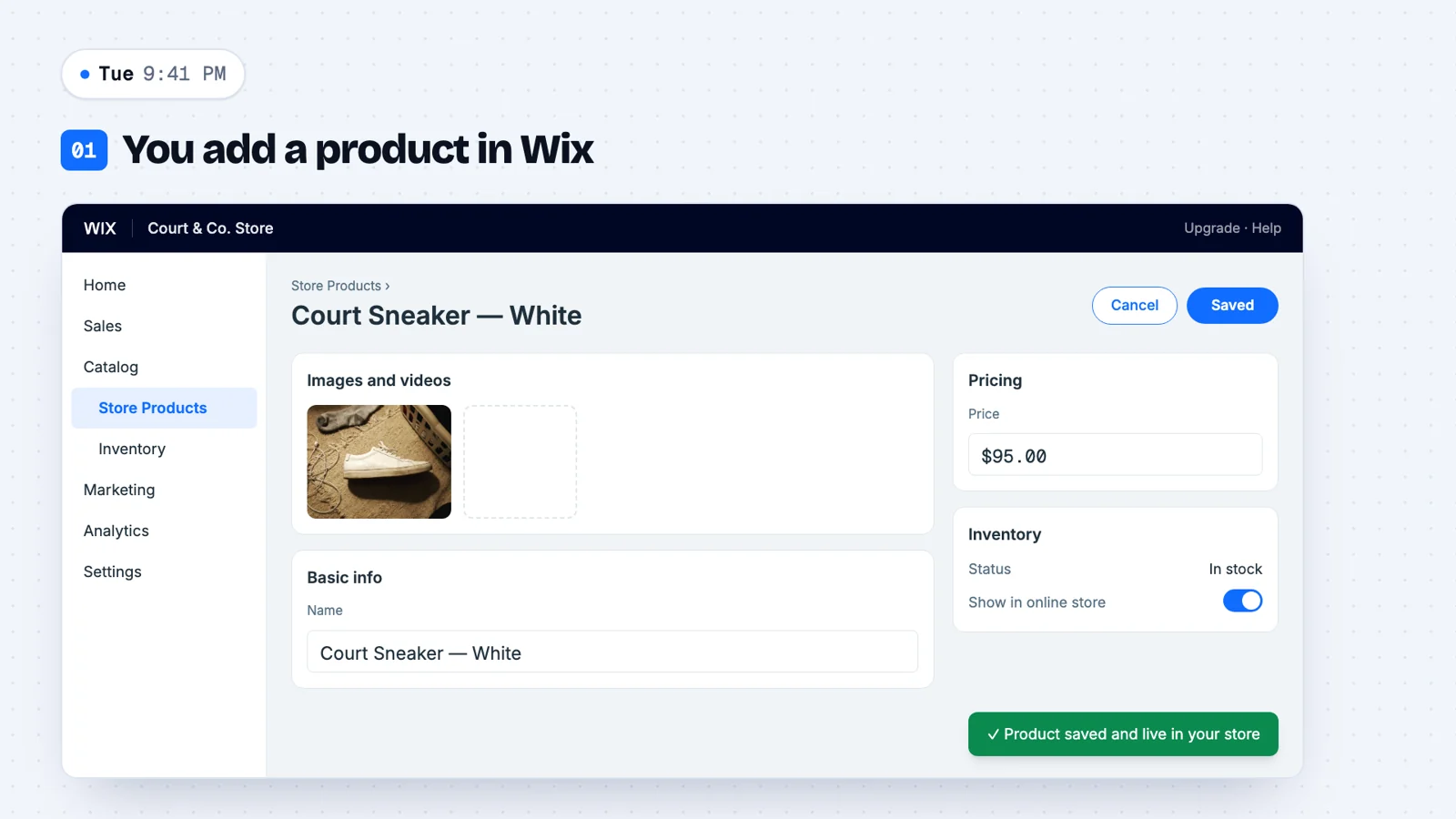
You add a product in Wix
Nothing changes about how you run your store. Add the product in your Wix dashboard as usual, with its photo, price and stock.
Autoadify sees it instantly
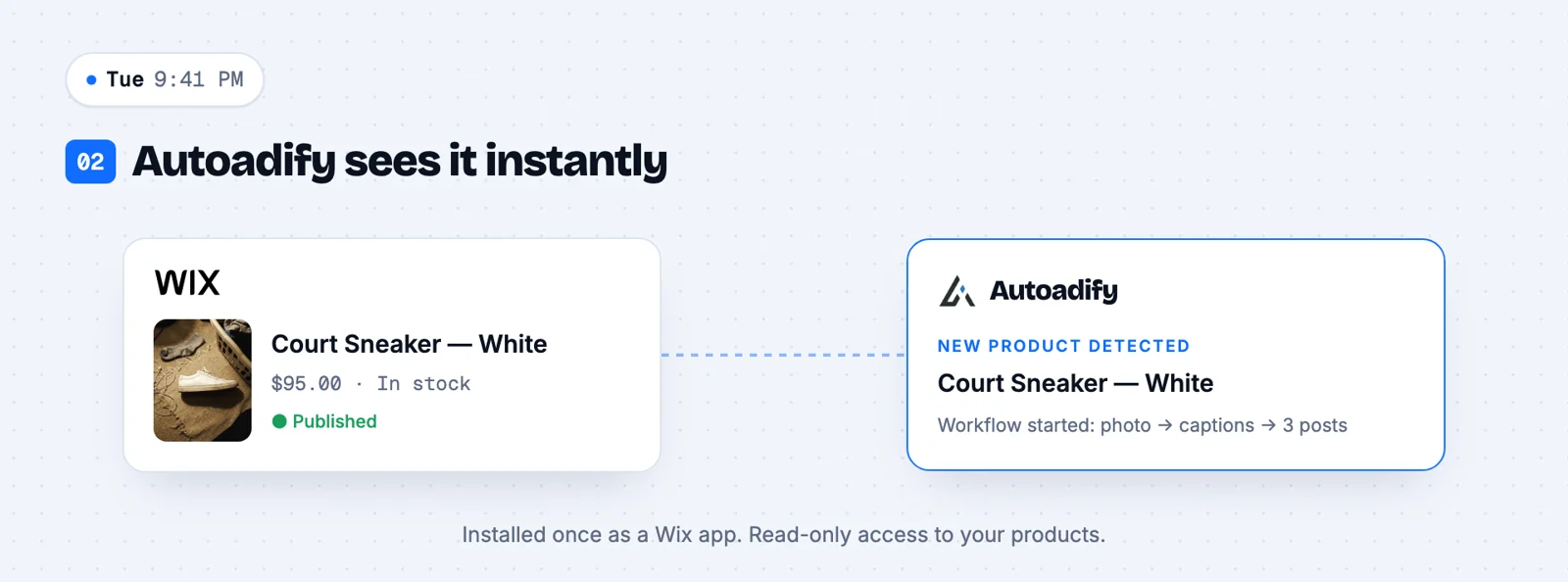
Wix tells Autoadify the moment a product is created. If you've set up a workflow for new products, it starts right away.
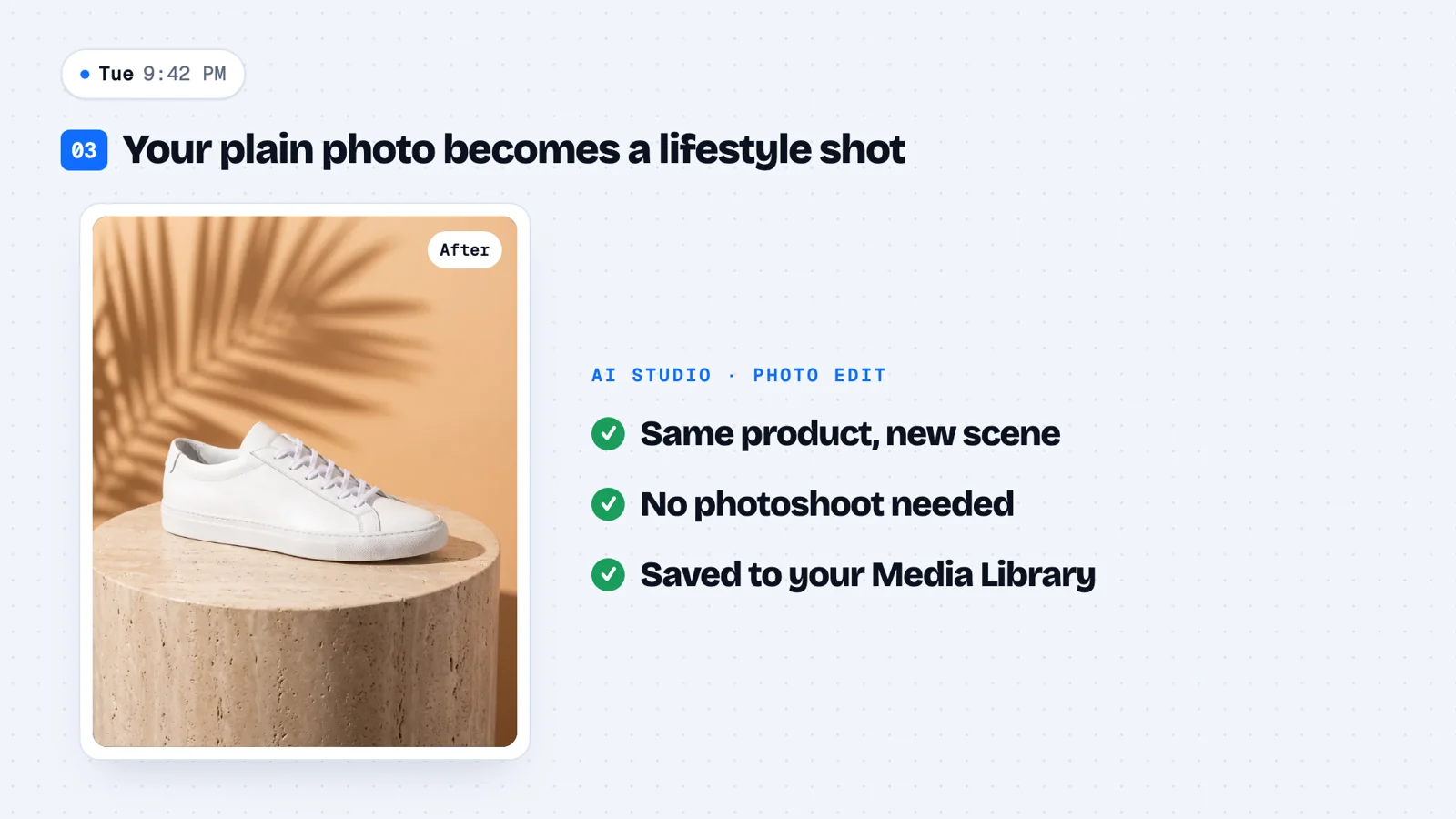
Your plain photo becomes a lifestyle shot
AI Studio keeps your product exactly as it is and changes the scene around it. No photoshoot, and the result is saved to your media library.
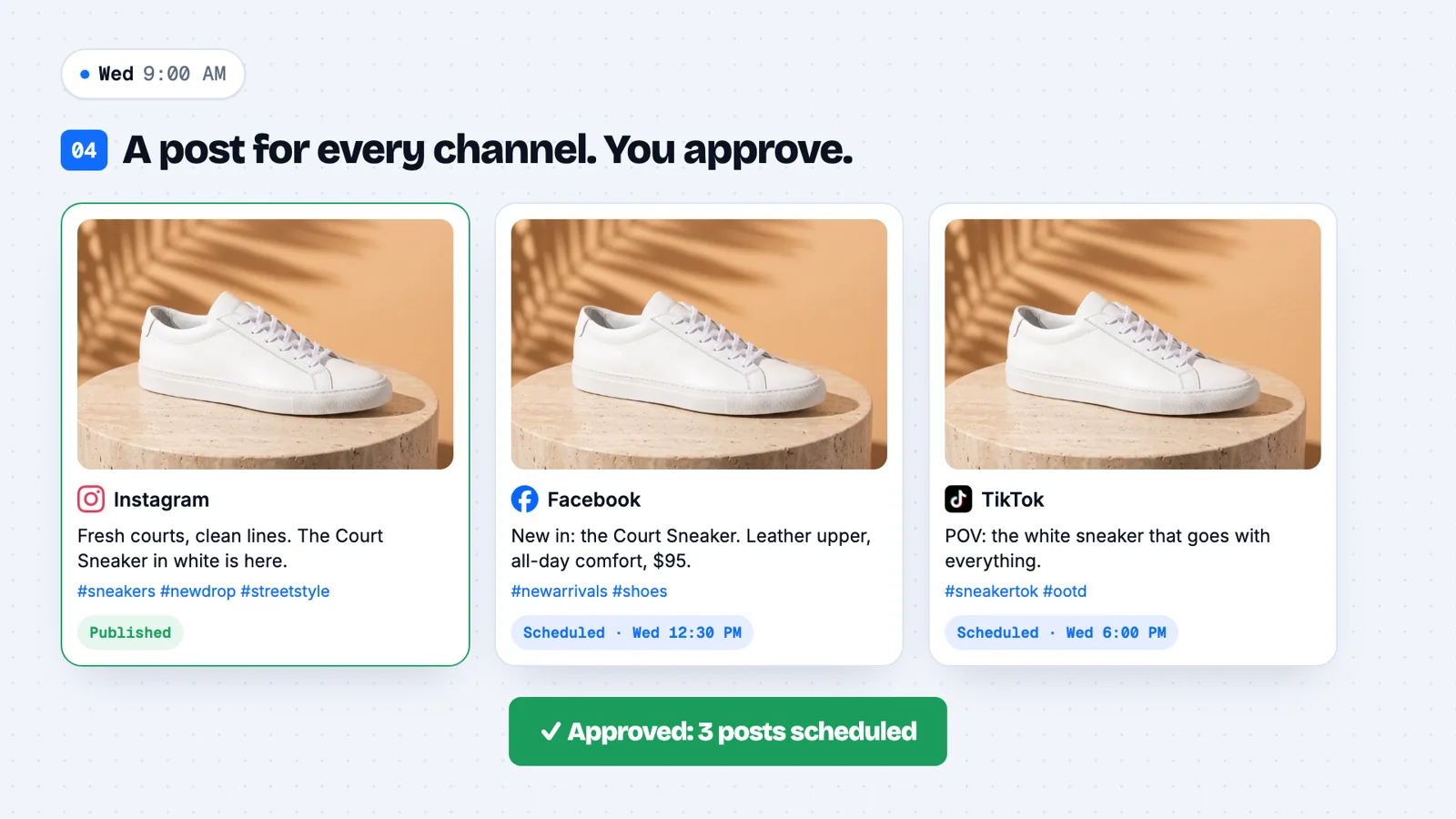
A post for every channel. You approve.
Each network gets its own caption and hashtags, sized for the platform. Approve once and they're scheduled across the day.
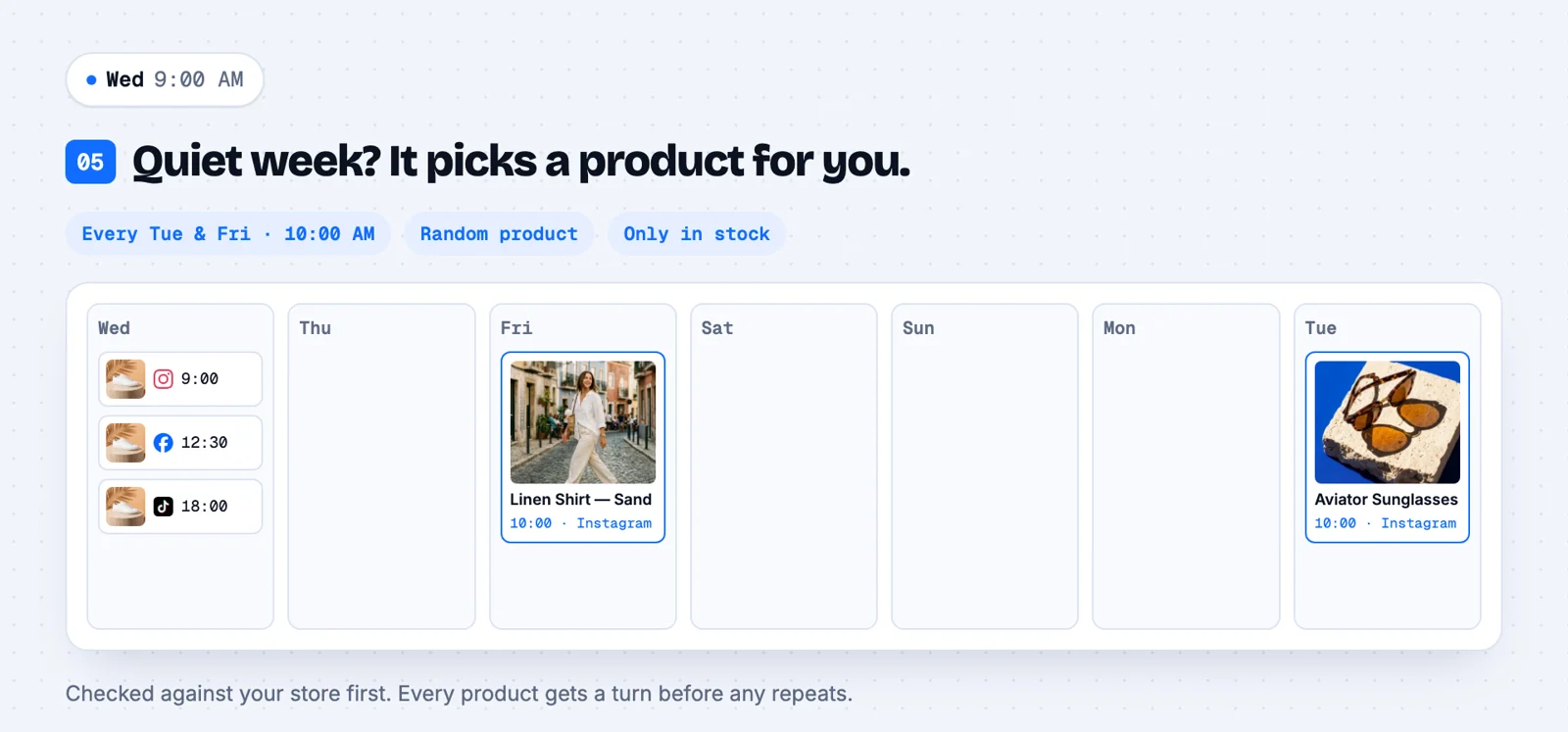
Quiet week? It picks a product for you.
A Random product workflow features an in-stock product on your schedule, checked live with your Wix store first. Every product gets a turn before any repeats.
Four ways to turn products into content
Post by hand, ask the AI Manager, automate it with a workflow, or create standout media in the studio. Your Wix catalog is available in all of them.
Pick a product, get a post for every network
Choose any product from your synced Wix catalog. Its photo, price and link are already attached. AI writes the caption, adapts it per platform and suggests hashtags.
In the composer
Product: Linen Shirt in Sand → captions for Instagram, TikTok and X, each sized for the platform, scheduled for Friday 6pm.
Ask for a campaign in plain English
Our AI agent reads your Wix catalog, learns your brand voice from your site, checks live web trends, then drafts posts, images and a schedule. Nothing goes out until you approve it.
You ask
“Plan a Black Friday week for our candles and gift sets: one post a day on Instagram and TikTok, with a product image each.”
New product in, social post out, automatically
Set a trigger once and let it run. When you add a product in Wix, a workflow writes the caption, makes the image or video and publishes, with nobody in the loop.
Workflow
New Wix product → AI product photo → caption in your brand voice → 8 hashtags → Instagram + Facebook + TikTok.
Studio-quality product photos and videos
Turn a plain product shot into lifestyle imagery and short-form video using 90+ AI models. No photographer, no editor, no separate AI subscriptions.
In the studio
Product photo of a ceramic vase → “on a sunlit shelf beside dried flowers” → a 9:16 Reel with a slow push-in.
What Wix store owners ask for
Type it the way you'd say it. Autoadify already knows your products.
“Write a launch post for our newest product with its photo, for Instagram and Facebook.”
“Make a TikTok-style video of the linen shirt on a summer street.”
“Schedule one product spotlight every weekday next week, rotating through the catalog.”
“Every time I add a product in Wix, post it to Instagram and Threads with 8 hashtags.”
“Put the scented candle on a marble bathroom shelf, evening light, square format.”
“Write the caption in English and Spanish and post to both accounts.”
One product, nine networks
Connect the accounts you use. Each post is shaped for the network it goes to.









Everything after you hit publish
Content calendar
Every scheduled and published post across all networks in one view.
Analytics
Impressions, likes, comments and shares pulled back from each network.
Engagement replies
AI-drafted replies to comments on Instagram, X and LinkedIn, with an approval queue.
Brand kit
Your logo and colours composited onto images, consistent and free of credits.
Multilingual
Write or translate captions for each market you sell in.
Media library
Uploads and generated media in one place, searchable by what they show.
Your store stays yours
Autoadify reads your catalog and nothing more, through a Wix app you can remove at any time.
Read-only access
The Autoadify Wix app asks to read your products and basic site details. It can't edit products, prices or your site.
Products only
We read products and listen for product changes. We don't pull customers, orders or contacts.
Both Wix catalogs
Works whether your store runs on the newer Wix Stores catalog or the original one, and keeps working if Wix moves you over.
Clean disconnect
Remove the app in your Wix dashboard and our access ends. Disconnecting in Autoadify deletes your synced product data straight away.
Details in our privacy policy.
Simple plans
Start free. Upgrade when you're posting every day.
Free
$0
25 credits to start
Solo
$19/mo
400 credits / month
Pro
Popular$29/mo
750 credits / month
Team
$79/mo
2,000 credits / month
Enterprise
Custom
8,000 credits / month
Compare every plan · Credit packs available for extra generation.
Frequently asked questions
How do I connect Wix to Autoadify?
In Autoadify open Accounts → Integrations → Wix and click Connect. Wix asks which site to install the Autoadify app on and shows the permissions it needs. Approve, and you're sent back to Autoadify while your products sync.
Do I need to copy any API keys?
No. Autoadify installs as a Wix app, so there are no keys to create, copy or rotate.
Which Wix sites does it work with?
Any Wix site with Wix Stores, whether it was built in the Wix Editor or Wix Studio. Your site doesn't need to be published for products to sync, but product links in posts point to your live store once it is.
Which social networks can Autoadify post to?
Instagram, Facebook, TikTok, LinkedIn (personal and company pages), X, Threads, YouTube, Bluesky and Reddit. You can post to several at once, with the caption adapted to each.
Can it post new Wix products automatically?
Yes. An AI Workflow can trigger on every new Wix product: it writes the caption, creates the image or video, adds hashtags and publishes to the networks you choose, with no manual step.
Does the AI Manager publish without asking?
No. The AI Manager drafts posts, images and schedules, but publishing and scheduling always wait for your approval. Unattended posting is what AI Workflows are for, and only the workflows you switch on run by themselves.
Can I connect more than one store?
The Free plan includes one connected store. Paid plans have no store limit, and you can mix Wix, Shopify and WooCommerce stores in one workspace.
What happens when I disconnect?
Disconnecting in Autoadify deletes your synced product data immediately. Removing the app from your Wix dashboard also ends Autoadify's access to your store.
Setup guide: Wix Stores social media automation
Your next product launch, posted everywhere.
Connect your Wix store in two minutes and turn your catalog into a content engine today.