Turn one photo into every post.
AI photo edits, sale designs, product and UGC videos, voiceovers and music, all in one Studio, finished in the right size for every platform. 90+ AI models, one credit balance.
Store photo in. Scroll-stopper out.
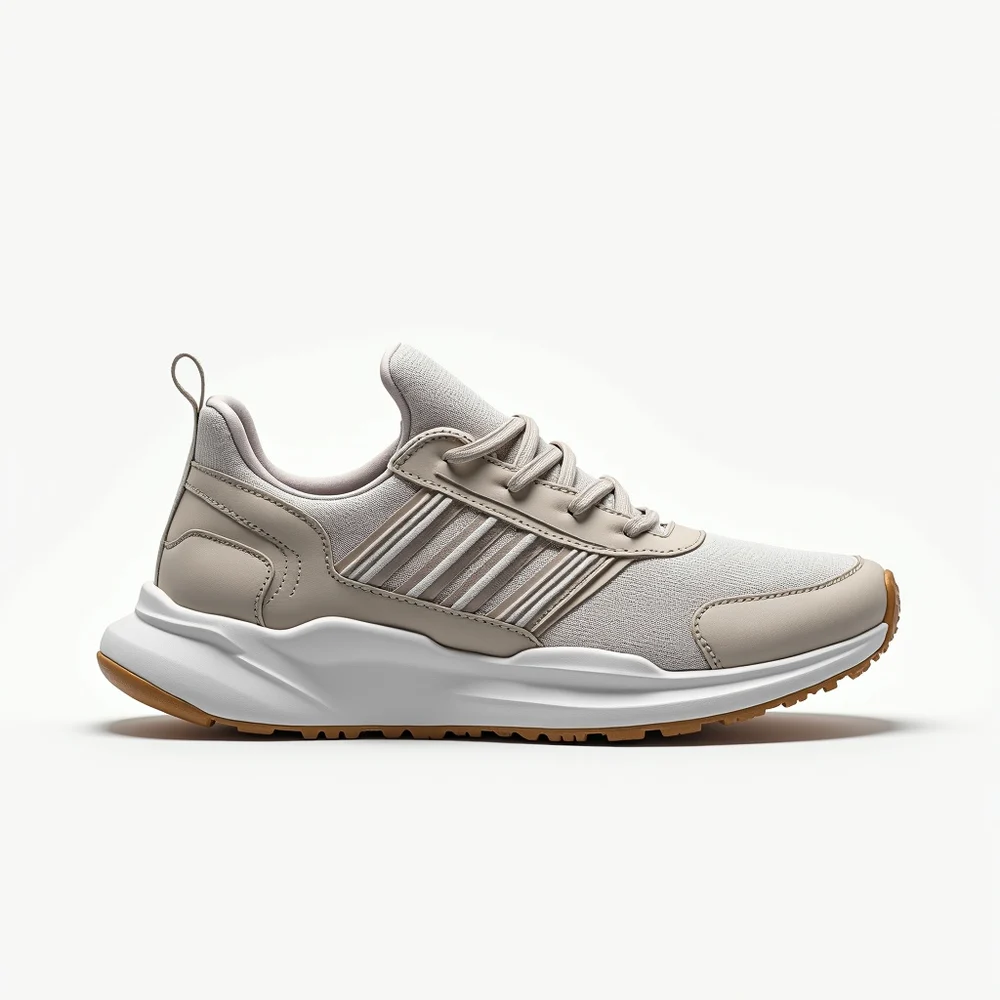
This is a real Studio edit, not a mock-up: a plain catalog photo, one prompt, one click.

Stop juggling six tools for one post
Separate apps mean separate logins, separate bills and a lot of downloading and re-uploading. Studio does all of it in one place.
Before
- AI image generator
- Design app
- Video generator
- Voiceover app
- Image resizer
- Scheduler
With Autoadify
One Studio.
- Generate and edit images
- Design with templates and your logo
- Make product, UGC and founder videos
- Add voiceovers and music
- Resize for every platform
- Post, schedule or send to the AI Manager
Everything your feed needs, from one photo
A plain product photo becomes a scroll-stopper
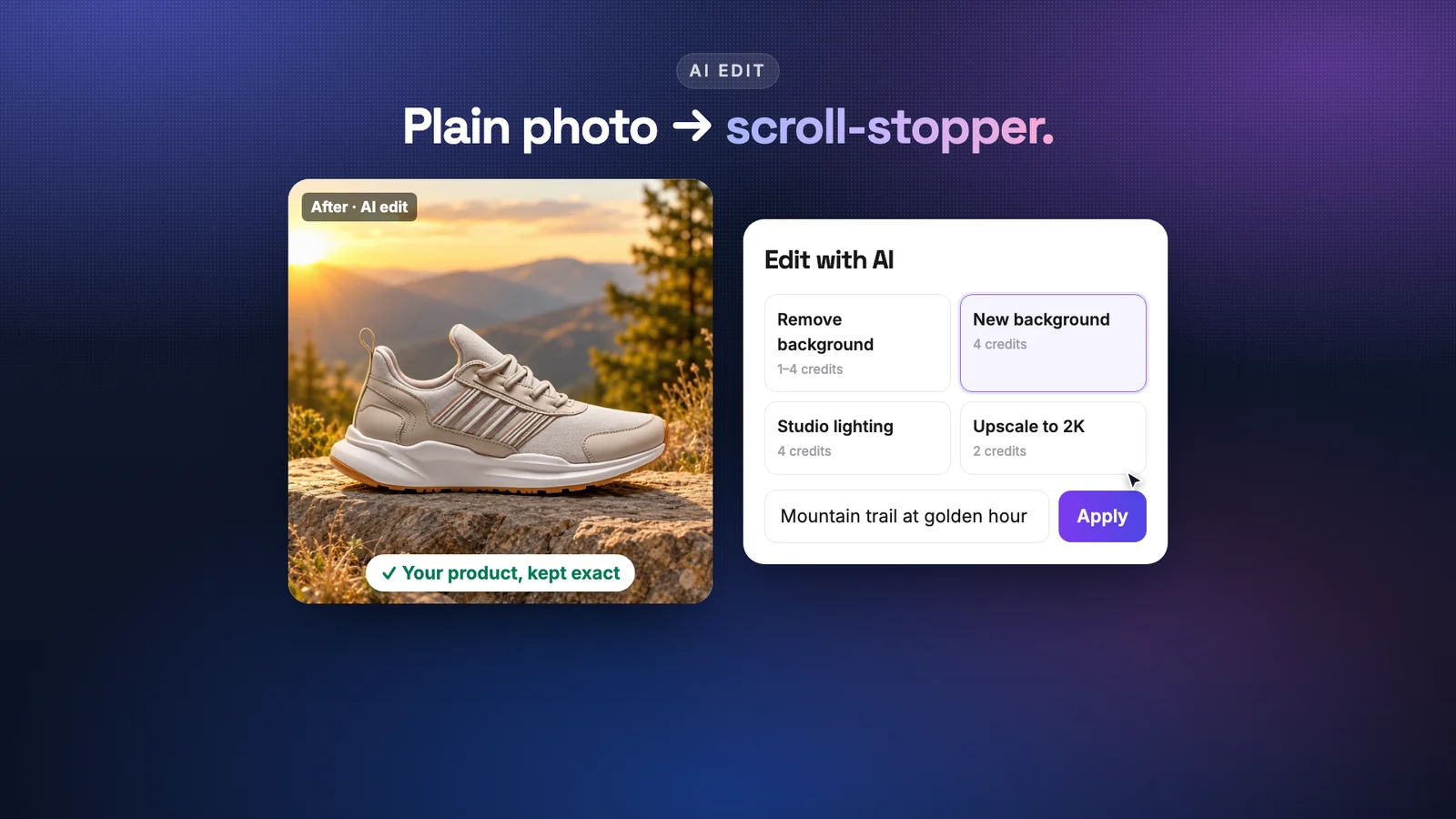
Pick an edit, describe the scene, press Apply. Studio is built to keep your product exactly as it is: same shape, colours, logos and details. Only the world around it changes.
- New background, studio lighting, remove background, upscale to 2K
- Recolour, restyle or erase an object
- Edit photos straight from your connected store's catalog
Sale posts, launches and price cards, by hand
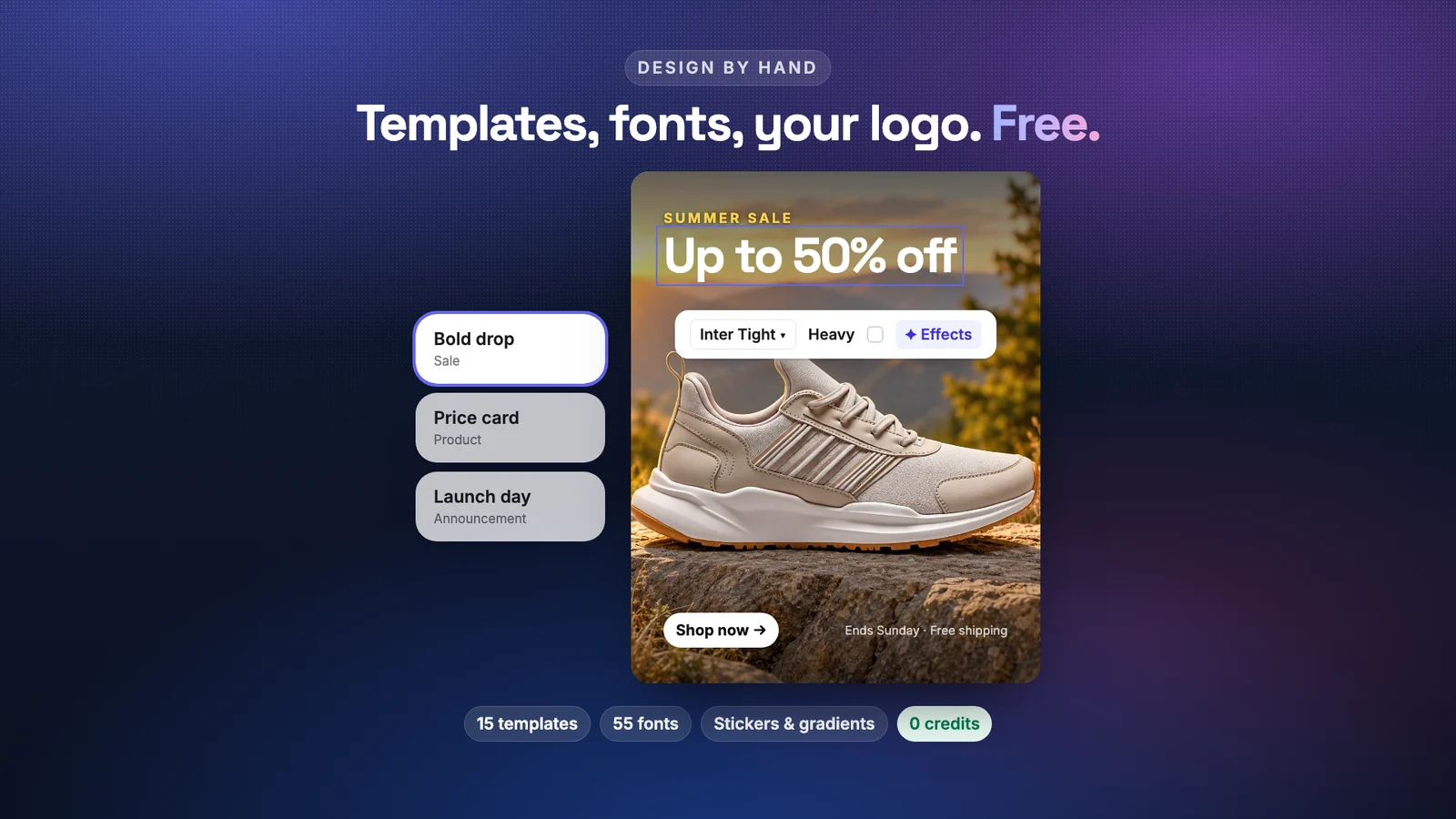
A real design canvas inside Studio. Start from a template or a blank canvas, then drag, rotate and restyle text, your logo, stickers and gradients. What you see is exactly what gets exported.
- 15 modern templates and 12 text combos
- 55 fonts, text effects, stickers and gradients
- Your brand kit: logo and colours one click away
Product, UGC and founder videos, with sound
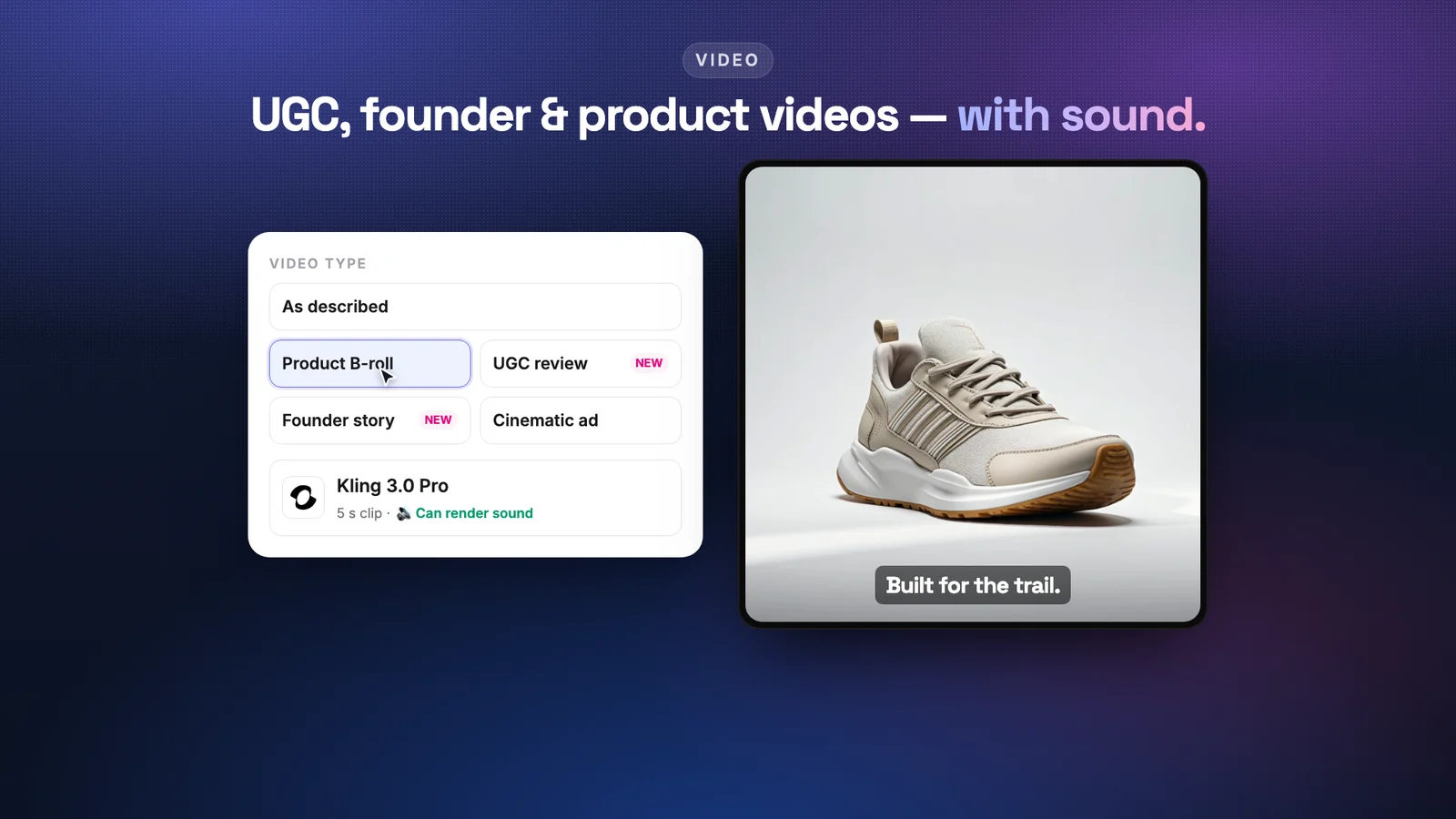
Choose what kind of video you want and Studio pre-picks a model that's good at it. Animate a product photo, or describe the scene. Models that render sound are marked, so you know what you'll get.
- Product B-roll, UGC-style review, founder story, cinematic ad, or as described
- Veo, Kling, Seedance, Hailuo and more
- Product reels from up to 5 store photos
Voiceovers and music for every clip
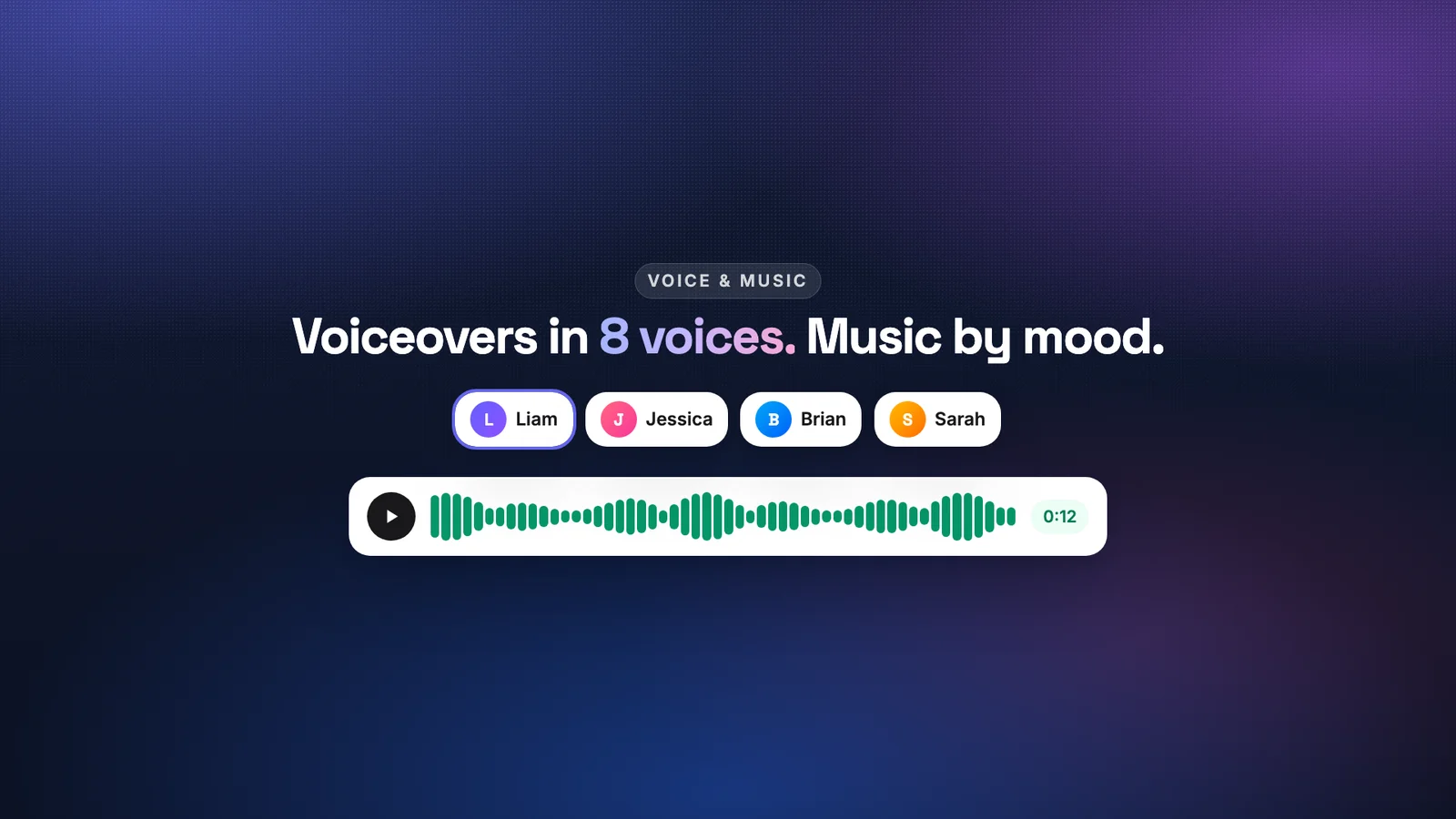
Type the script, pick a voice, get a voiceover. Or pick a mood and get a music bed. Both land in your library next to your photos and videos.
- 8 natural voices
- Music by mood: upbeat, chill, cinematic, lo-fi and more
- ElevenLabs voice and music models
Every platform size, then post it
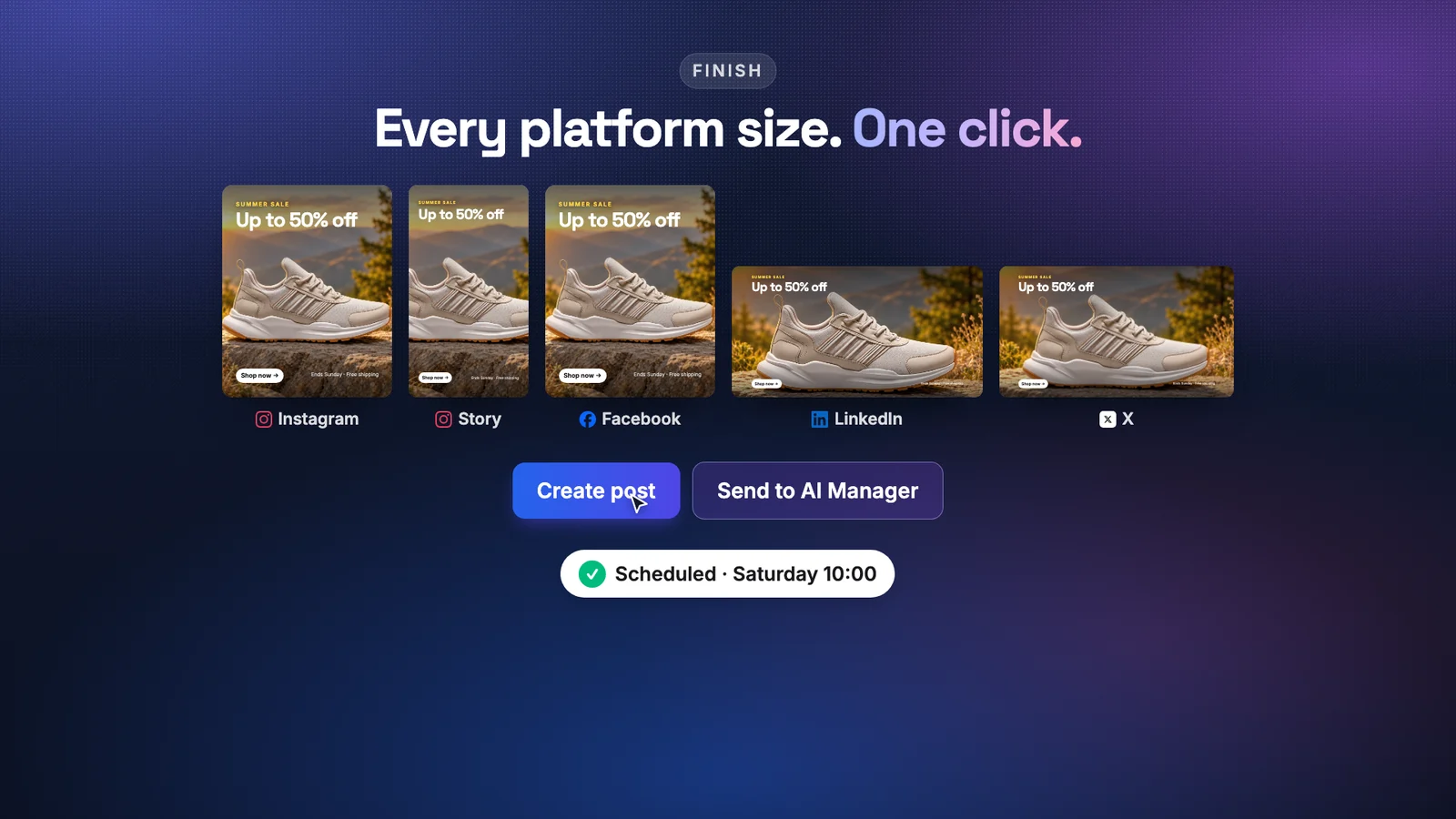
One click crops your design for Instagram, Stories, Facebook, LinkedIn and X. Then open it in Create Post, or hand it to the AI Manager to caption and schedule.
- Instagram 4:5, Story 9:16, Facebook, LinkedIn 1.91:1, X 16:9
- AI captions written for the image
- Create post or Send to AI Manager
Three steps, no learning curve
Say what you want to make
Image, video, voice & music, or design it yourself. Type the goal, or start from one of the quick starts.
Studio picks the model
Auto chooses the best of 90+ models for the job and shows the credit cost first. Swap models any time.
Finish and post
Crop for every platform, write the caption, then post, schedule, or send it to the AI Manager.
See it in 40 seconds
One trail runner from a store catalog, all the way to a scheduled post.
Vertical version for phonesPay for AI, not for design
Designing and resizing are free on every plan. AI work uses credits, and Studio shows the price before you press Generate.
Solo
Best start$19/mo
400 credits / month
- Basic + standard models
- Unlimited designs and resizes
- Up to 100 AI photo edits at 4 credits
Pro
$29/mo
750 credits / month
- Basic + standard models
- Unlimited designs and resizes
- Up to 187 AI photo edits at 4 credits
Team
$79/mo
2,000 credits / month
- Premium video models
- Unlimited designs and resizes
- Up to 500 AI photo edits at 4 credits
Full plan details on the pricing page.
Questions about Studio
What is Autoadify Studio?+
Studio is one workspace for every piece of social content: AI photo edits, image generation, designs from templates or a blank canvas, product and UGC-style videos, voiceovers and music. It runs on 90+ AI models and finishes every result in the right size for each platform.
Does the AI change my product?+
AI edits are prompted to keep your product exactly as it is: same shape, colours, logos and details, with only the scene around it changing. You always see the result before you use it, and you can try another model if one isn't right.
How much does it cost?+
Design and Finish cost 0 credits on every plan. AI work uses credits, and Studio shows the price before you press Generate: AI photo edits start at 1 credit, New background is 4. The Free plan includes 25 credits and basic image models to try it; Solo is $19/month for 400 credits and adds standard models, and premium video models start on Team.
Can I make UGC or founder-style videos?+
Yes. Pick UGC review or Founder story as the video type and Studio pre-selects a model suited to it. You can also describe any scene, animate a product photo, or build a product reel from up to 5 store photos.
Which sizes can I export?+
Instagram feed 4:5, Stories and Reels 9:16, Facebook, LinkedIn 1.91:1 and X 16:9, or the original size. Then post to any of the 9 networks Autoadify connects: Instagram, Facebook, TikTok, LinkedIn, X, Threads, YouTube, Bluesky and Reddit.
Do I need my own AI accounts or API keys?+
No. Every model runs through Autoadify on one credit balance. There's nothing to sign up for elsewhere.
Autoadify Studio is live now.
Start with 25 free credits. Make your first post in minutes.