Quick Answer: Can an AI Agent Post to TikTok?
Yes, through TikTok's official Content Posting API — but TikTok sets stricter rules on how that happens than any other network. The creator has to choose the privacy setting themselves, with no default. Comments, Duet and Stitch stay off until the creator turns them on. Commercial content has to be disclosed. The creator must see a preview and expressly consent before anything uploads. And the app may not add its own watermark or branding to the content.
Those rules shape what a good social media AI agent for TikTok looks like: it does the heavy lifting of making the content, and leaves the account-level decisions to the creator.
What TikTok's rules require
TikTok's Content Sharing Guidelines spell out the experience every posting app must provide:
| Requirement | What it means in practice |
|---|---|
| Show which account you are posting to | The creator's TikTok nickname is shown before posting |
| Privacy is chosen manually | No default value — the creator picks from the options their account allows |
| Interactions are opt-in | Comments, Duet and Stitch are unchecked until the creator turns them on |
| Commercial content disclosure | "Your brand" or "Branded content", which TikTok labels on the post |
| Preview and express consent | Nothing is sent to TikTok until the creator agrees to the upload |
| No added branding | No watermarks, logos or promotional text added by the app |
| A daily posting cap | TikTok limits posts per creator per day through the API — typically around 15, shared across all apps |
TikTok also audits apps before their posts can be public: an unaudited app can only post privately. Autoadify's TikTok integration has passed that review, so posts can go out with the visibility the creator chooses.
Where the agent fits, and where the creator decides
Read those rules together and a clean split appears. Making the content is the agent's job. Deciding how it appears on the account is the creator's.
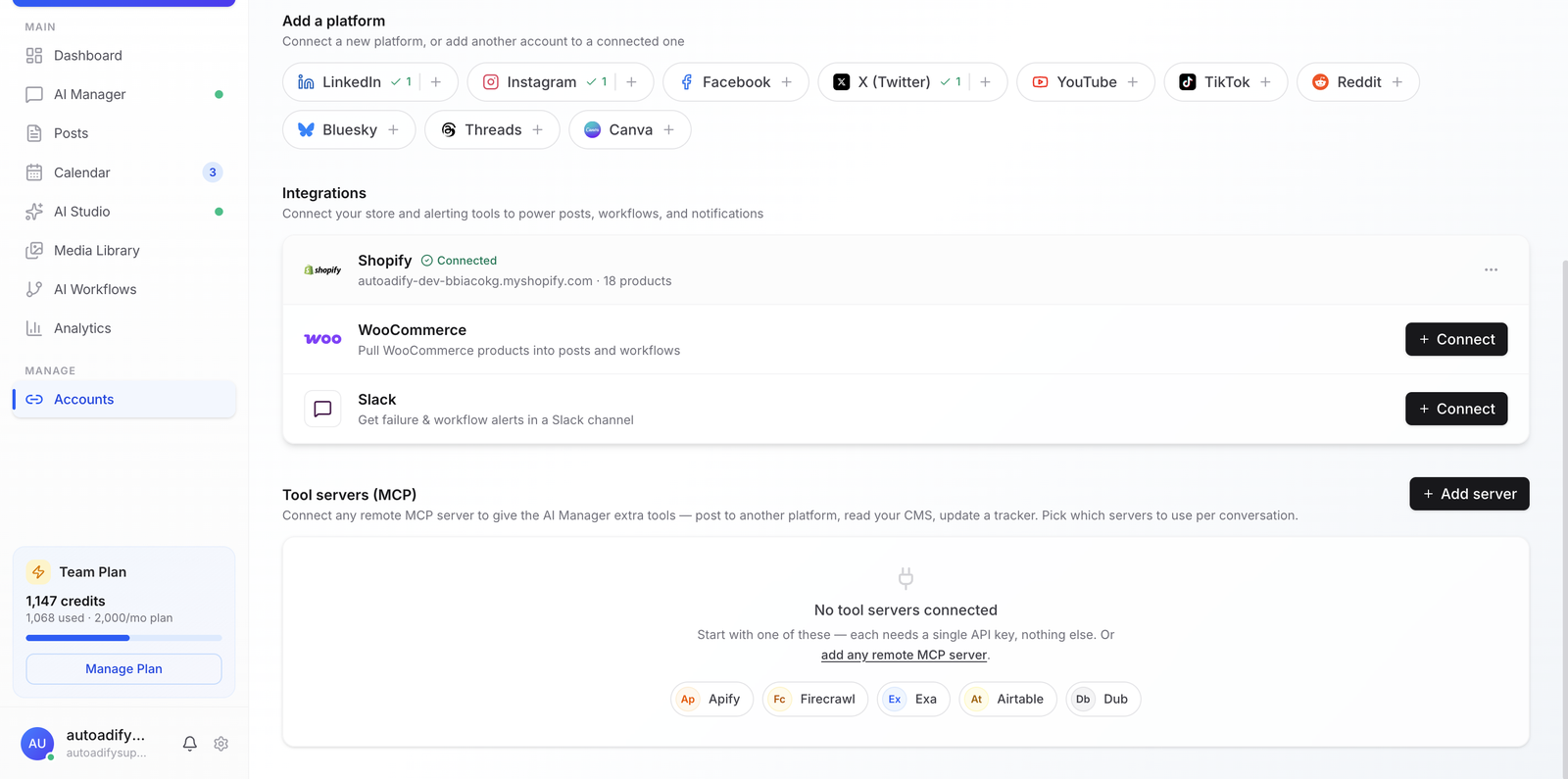
In Autoadify, when you post to TikTok yourself, the settings panel opens with no privacy level chosen and every interaction off, as TikTok requires. For posts the agent or a workflow schedules for you, you save your TikTok settings — privacy, comments, Duet, Stitch and the commercial disclosure — on the connected account once, and those are used for every one of those posts. Set them before handing TikTok to the agent.
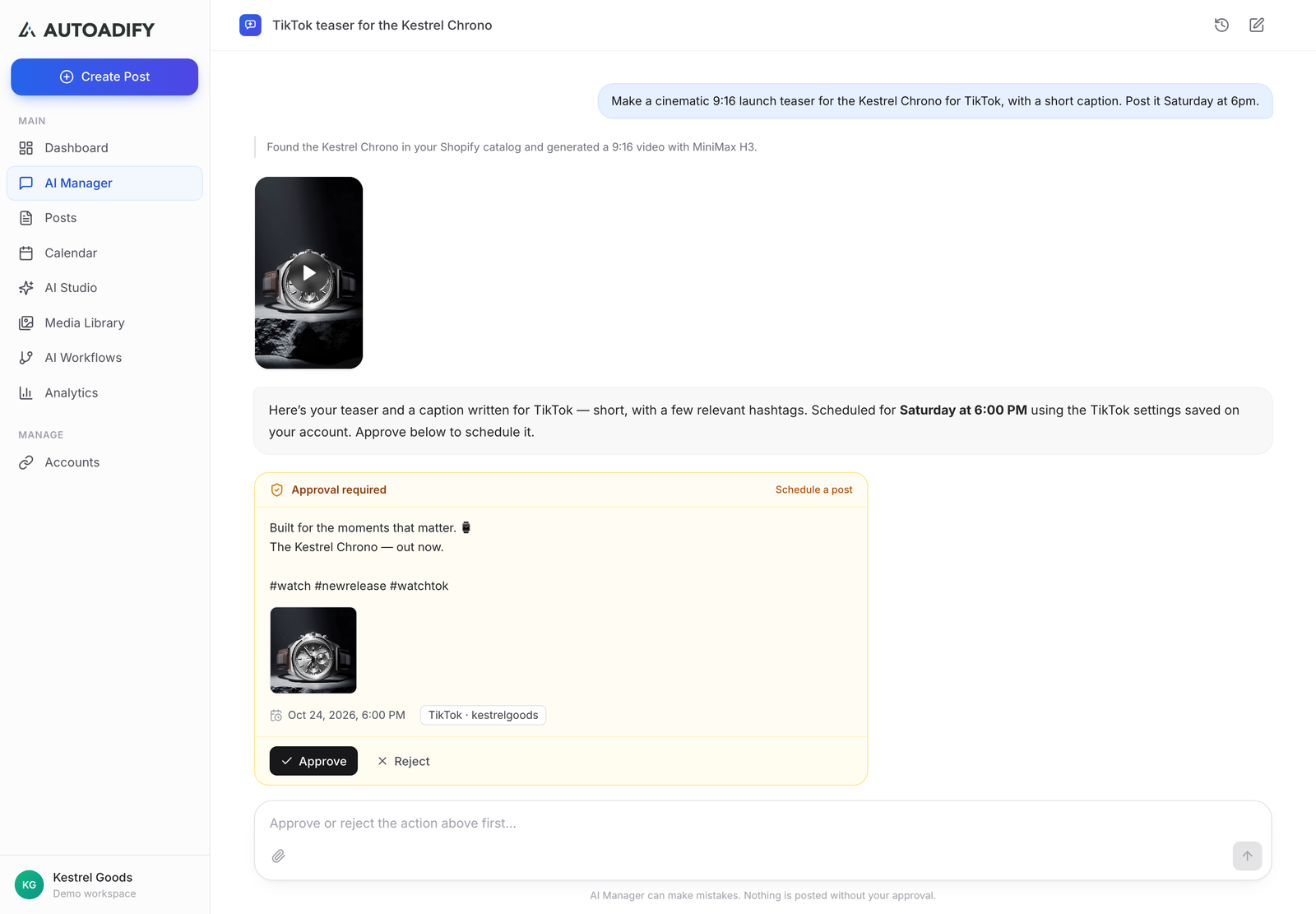
And the agent itself still stops before anything goes out: the three action tools — schedule a post, schedule a plan, publish now — always wait for explicit approval, which is the point where you see what will be posted and consent to it.
The jobs an AI agent genuinely takes on TikTok
1. Making the video. TikTok is a video network, and video is the expensive part. An AI agent for social media can generate short vertical video from a prompt or animate a product photo, using whichever model suits the job — Autoadify runs 80+ AI models across text, image, video and audio. Browse the models.
2. Photo posts. Not everything needs to be a video. TikTok photo posts carry a short heading above a longer description; the agent writes both, keeping the heading within TikTok's 90-character limit.
3. Captions written for TikTok. Video captions can run to 2,200 characters, but what works on TikTok is short, specific and lightly hashtagged — a handful of relevant tags rather than a wall of them.
4. Voiceover. Narration for a product video or an explainer, generated with an AI voice model, so a video does not need someone on camera. Faceless TikTok automation covers that format in depth.
5. Turning your catalog into content. With a Shopify or WooCommerce store connected, products become content inputs — the agent can build a week of TikToks about the things you actually sell.
What an agent should not do on TikTok
- Copy other people's content. TikTok's guidelines name "an app that copies arbitrary contents from other platforms to TikTok" as unacceptable. Reposting your own content from another network is a different thing — it is copying other creators' that crosses the line.
- Stamp its own branding on your video. Posting apps are not allowed to add watermarks or promotional text, and Autoadify does not.
- Make the creator's decisions. Privacy, interactions and disclosure are the creator's calls under TikTok's rules, not the tool's.
- Chase volume. The daily API cap is generous compared with what an audience will watch. TikTok's ranking leans on how people respond to each video, so specific beats frequent.
Recurring TikToks without the agent
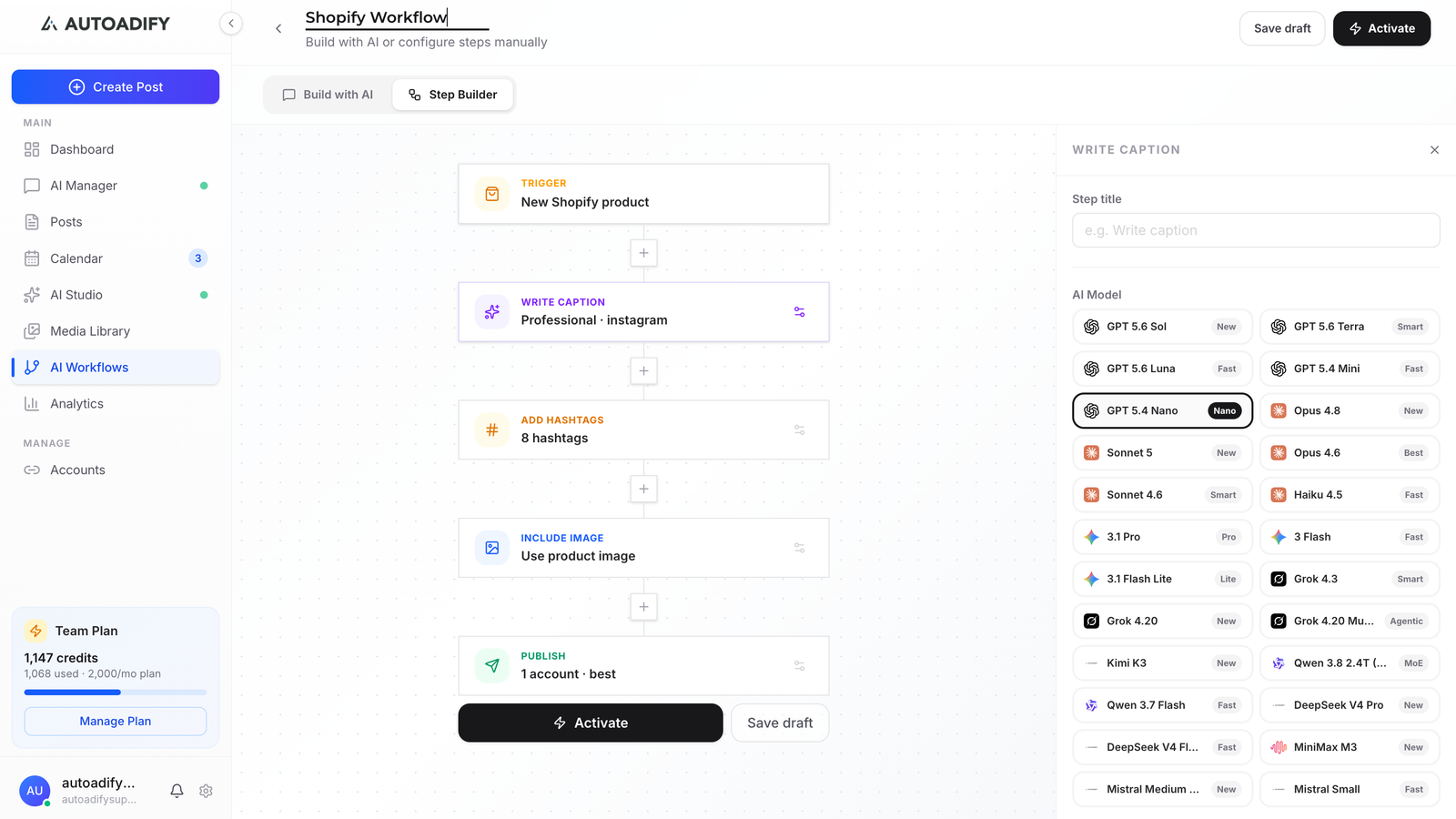
For a fixed rhythm — a product video every Tuesday, a tip every morning — a social media AI workflow runs the same steps on a schedule or a store trigger, using the TikTok settings saved on the account. The agent is for work you want to talk through; workflows are for work you have already decided. AI agent vs AI workflow covers when to use which.
Frequently Asked Questions
Can AI post to TikTok automatically?
Yes, through TikTok's Content Posting API, within the rules above: the creator chooses privacy and interaction settings, discloses commercial content and consents to the upload. Posts from an app TikTok has not audited can only be private.
Will my AI-posted TikToks be public?
If you choose public. TikTok requires the creator to pick the privacy level manually, from the options their account allows — a private account cannot post publicly.
Can an AI agent make TikTok videos?
Yes. AI video models can generate short vertical clips from a prompt or animate a still image, and AI voice models can add narration. The agent picks or lets you pick the model for each job.
How many TikToks can I post a day through an app?
TikTok caps posts per creator per day through the API, typically around 15, shared across every app you use. Few accounts benefit from anywhere near that many.
Does an AI agent add a watermark to my TikToks?
It should not — TikTok prohibits posting apps from adding watermarks, logos or promotional text. Autoadify adds none.
Can I post photo carousels to TikTok with an AI agent?
Yes. TikTok photo posts are supported through the API, with a short heading and a longer description. Duet and Stitch do not apply to photo posts, so only comments can be turned on.
See it work
Autoadify is an AI agent for social media that makes TikTok videos and photo posts with 80+ AI models, publishes through TikTok's official API alongside your other networks, and stops for approval before anything goes out. See how the agent works, or start free.
Ready to automate your social media?
Autoadify gives you access to 80+ AI models, auto-scheduling across 10+ platforms, Shopify sync, and AI agents — all in one platform.
Start free